The Power of a Productive CRM
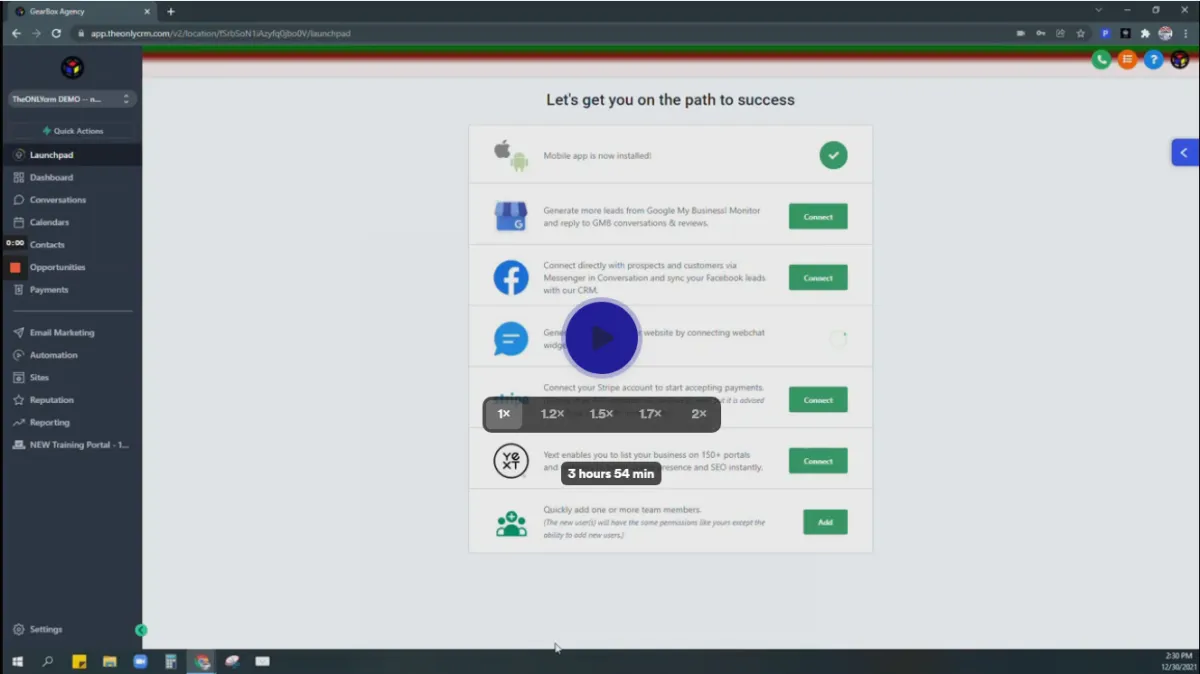
Watch this video for Complete Training on TheONLYcrm.com
TEAM BUILDING
Every successful CRM begins and ends with talented users. Discover how to use and maximize your CRM experience, use in conjunction with your Realtors.

COMMUNICATION
Implement our 3 simple rules for proper communication and you'll see a dramatic increase in saved time & money.

TASK MANAGEMENT
Our CRM will keep you & your staff stay accountable and finish loans ahead of schedule. Never let things slip through the cracks again.
Get Your APP on...
We have your Mobile App Right Here
Choose your phone type
Android
Click Image Below

Apple
Click Image Below
SETTINGS TAB
Account Settings Overview
Here’s an overview of your account settings. Some of this is basic information, yet it’s critical so you can have a good foundation and be set up for success with using the system. Below we will highlight some of the most important and foundational elements.
DASHBOARD TAB
How To Use the dashboard
Your Dashboard is an overview of your business. This is the first thing that you will see when you log into the system. It will outline the progress and performance of your business. Here are the potential different parts of your default Dashboard:
CONVERSATIONS TAB
Conversations Overview
In this tutorial, we’ll provide a review of the Conversations section of your menu. Read on to learn how to navigate through this section.
OPPORTUNITIES TAB
Opportunities Overview
This is an overview of your opportunities tab. To start, you can see the default view all your opportunities or leads, whichever you prefer to call them.
Opportunities Mortgage
flow for loan officers
This is an overview of your
Opportunities Mortgage flow.
MARKETING TAB
How to Build,
Edit & Use Campaigns
In this tutorial, gonna be an overview of the campaign builder. So under the marketing, you'll go to campaigns and you'll see here you have the option. To create a new folder that's just for organization purposes.
How To Use the Email Builder....
The email builder is an important section of your system. In the email builder, you can create and save email templates, schedule emails, and send bulk emails. Read on to learn how to navigate to and use the email builder.
How To Use the Email Builder....
The email builder is an important section of your system. In the email builder, you can create and save email templates, schedule emails, and send bulk emails. Read on to learn how to navigate to and use the email builder.
How to Create and Use
Custom Values
Trigger links can be built in the system so that when a lead/customer clicks on a particular link, a specified action happens. There are multiple ways to use trigger links, most commonly in campaigns, emails, funnels, and websites.
How to Create and Use
Custom Values
Trigger links can be built in the system so that when a lead/customer clicks on a particular link, a specified action happens. There are multiple ways to use trigger links, most commonly in campaigns, emails, funnels, and websites.
form builder
Here’s an overview of your account settings. Some of this is basic information, yet it’s critical so you can have a good foundation and be set up for success with using the system. Below we will highlight some of the most important and foundational elements.
survey builder
This video is going to walk you through how to build, edit, and utilize a survey to begin with the biggest difference between a survey and a form, is that a survey utilizes logic to determine if you were lead is of quality or not. So you can qualify and disqualify your leads through a survey.
Create & Use SMS &
Email Templates
SMS and Email Templates are saved draft template communications that you can directly add into your campaign events or one-time communications. This is useful if you often find yourself sending same or similar messages (and you don't want to utilize the Email Builder), as using the templates can save you time.
HTML Builder...
This video is going to walk you through how to build, edit, and utilize a
REPORTING TAB
Google ads reporting...
SM
facebook ads reporting...
This video is going to walk you through how to build, edit, and utilize a
ATTRIBUTION reporting...
SM
cALL reporting...
This video is going to walk you through how to build, edit, and utilize a
APPOINTMENT REPORT...
SM
SCHEDULING TAB
calendar
Calendars are a useful way for managing appointments in your system. Before creating a calendar, you’ll want to ensure you have an understanding on unassigned vs. team calendars. Please refer to our tutorial “How to Create and Utilize Teams Within Your Calendar” to learn more about teams and team calendar setup.
APPOINtments...
SM
REPUTATION TAB
How to Set Up Your System
to Capture Reviews
In this video, you will learn how to set up your CRM with Google. This will help you gather information about your business, what to improve, and if your user/leads were satisfied with the services that your business provides.
Add Messaging To Your Google My Business Listing...
SM
CONTACTS TAB / BULK ACTIONS
Bulk Actions - SMS
Using the Bulk Actions features in your Contacts/Smart Lists section, you can perform multiple one-off actions to selected or all contacts. Here’s how to send contacts a one-off SMS using the bulk action feature:
Bulk Actions - Merge Duplicate Contacts
Using the Bulk Actions features in your Contacts/Smart Lists section, you can perform multiple one-off actions to selected or all contacts. Here’s how to merge duplicate contacts using the bulk action feature
Bulk Action features...
Using the Bulk Actions features in your Contacts/Smart Lists section, you can perform multiple one-off actions to selected or all contacts. From sending an email or SMS to updating the pipeline stage and more, follow the steps below to learn how to use this updated feature.
CONTACTS
Here's an overview of the Contacts section of your system. We'll show you how to add, export, search, and filter through your contact records to stay organized.
Smart lists
Smart Lists are a great way to organize contacts, by customizing filters to create 'lists' or categories of contacts. Follow these steps to learn how to create, edit, and use Smart Lists.
How To Build, Manage and
Use Manual Actions
In this video learn how to use manual actions in drip campaigns along with a power dialer feature.
contact request...
In this video,
Restore contacts...
In this video learn
FUNNELS & WEBSITES TAB
Funnel and Funnel
Builder Overview
Here's an overview of the funnel section, as well as the funnel builder where you can customize your funnel steps/pages.
WEBSITES...
In this video learn
MEMBERSHIP...
In this video,
TRIGGERS TAB
TRIGGERS
This tutorial will give you an overview of how to build and utilize triggers. First, let’s talk about what triggers are: Triggers are essentially “if, then” statements that automate features of your system. There are numerous ways to customize these features so that IF something happens in your system, THEN a particular action (or actions) will follow. By setting up these automations, you’re able to operate your business more efficiently.
CHAT WIDGET TAB
How To Create and Add a Chat Widget to Funnels and Websites
You can create a chat widget in the system to add to a funnel or website page, to increase your opportunities to communicate with clients. Follow the steps below to create a widget and use it on a funnel or website page
Don't miss this Daily Q & A training
© Copyright. All Rights Reserved.